REVISION DATE: 08-Dec-2015 15:33:51
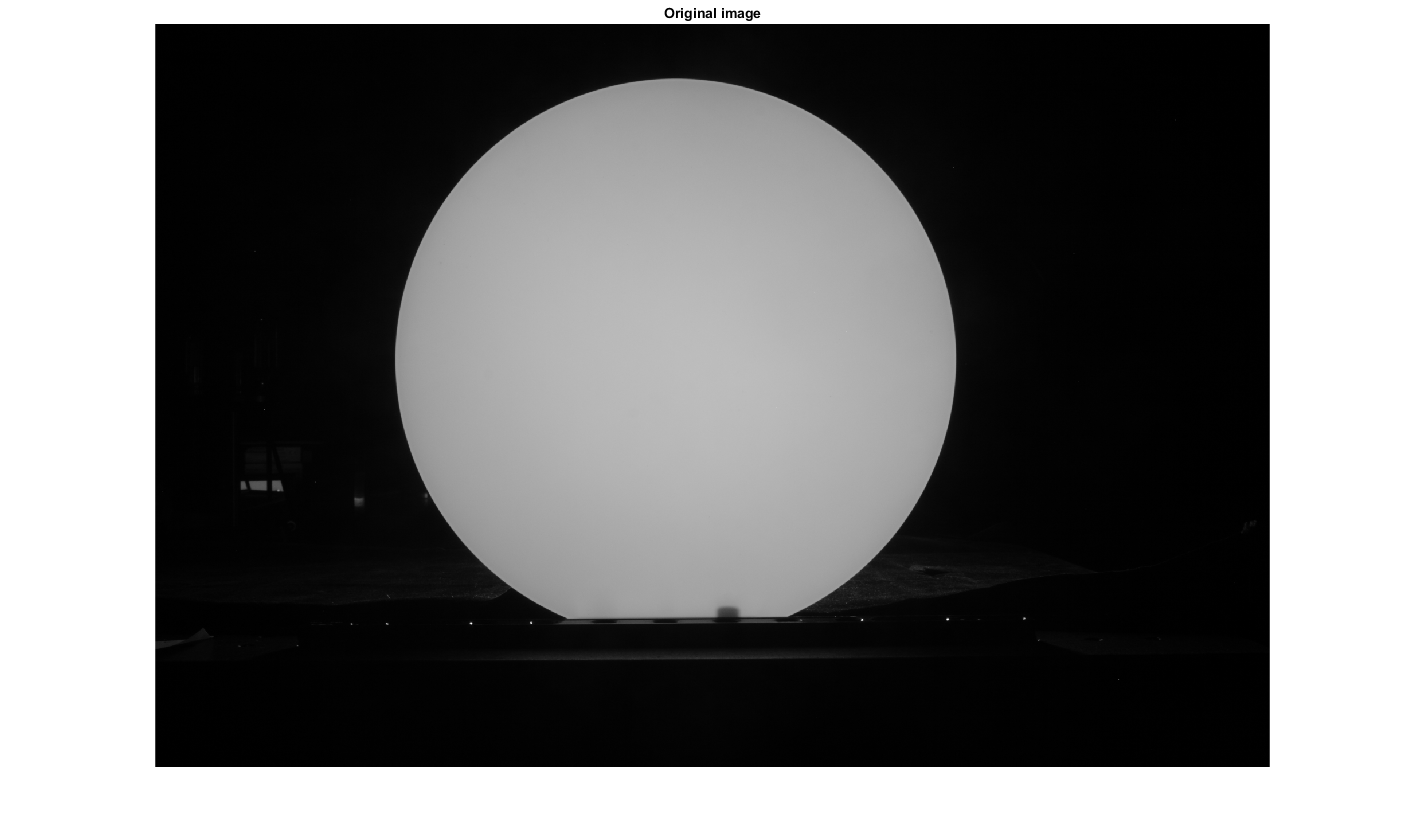
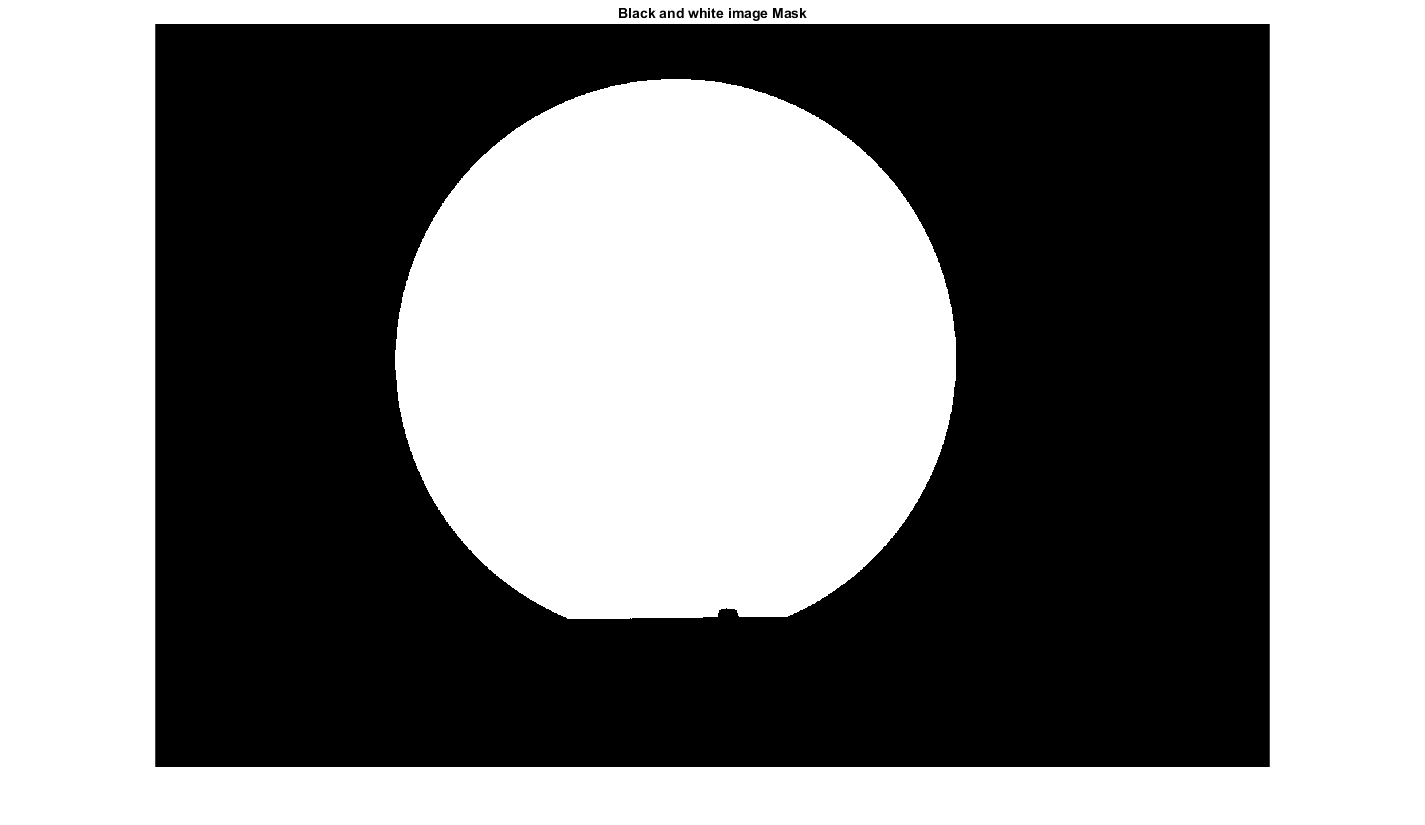
To be able to find the variability of the diffuse you need to first mask the part of the image which is not the diffuser. I wanted an automated process which should work on many files. First the image was converted to black and white. Then objects with fewr than 30 pixels where removed. Then all gaps where closed and any holes where filled. Boundries where found for the white images left. And shapes with less than 100 elements where removed. This leaves on the large diffuser disk in the middle of the image un-masked.
The original image. You can see the diffuser is in the center of the image. But there are also small bright spots below the diffuser which need to be masked.
Figure 1
The black and white mask. You can see all the small dots are now black and the only white is the diffuser.
Figure 2
Original image with the mask applied to it.
Figure 3
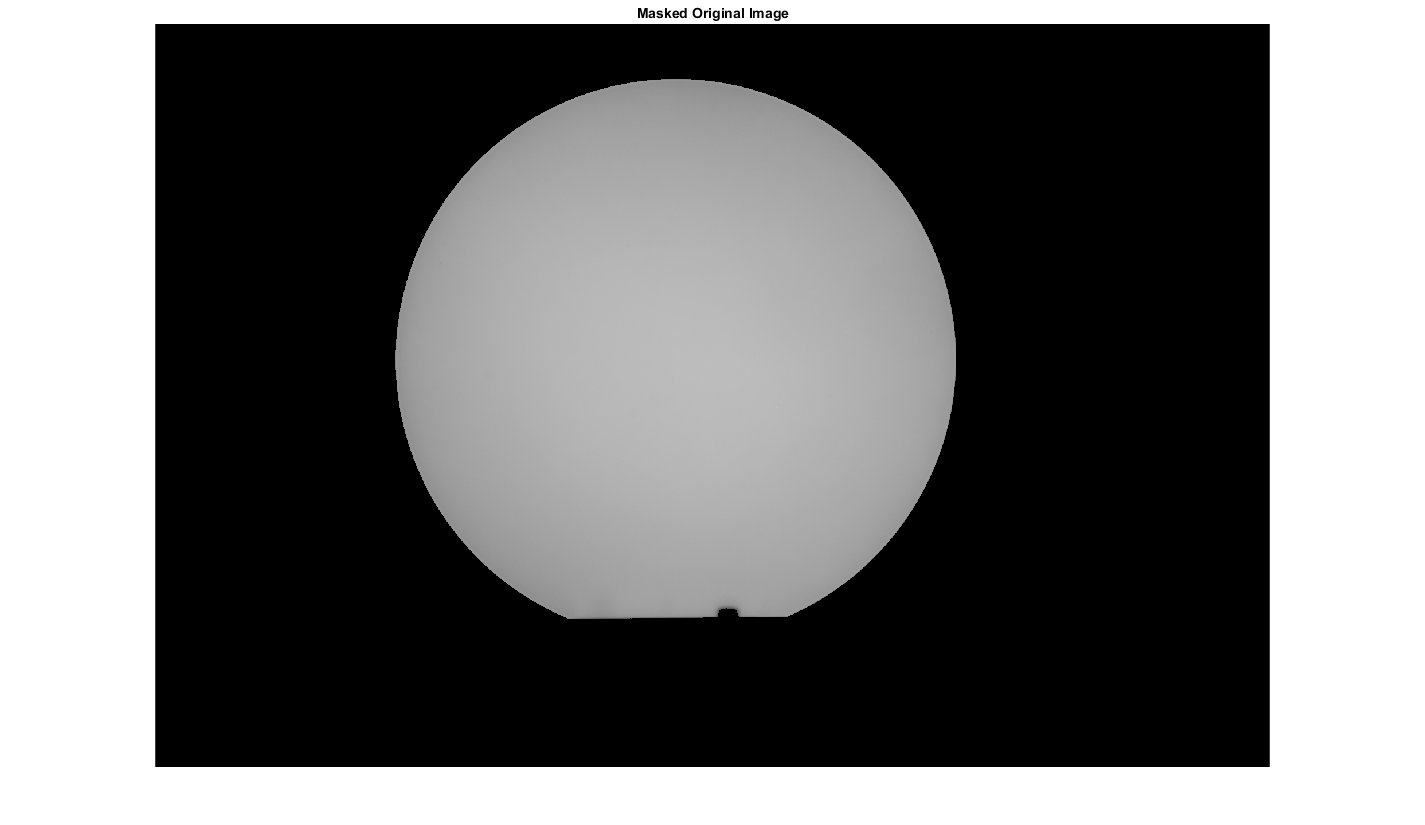
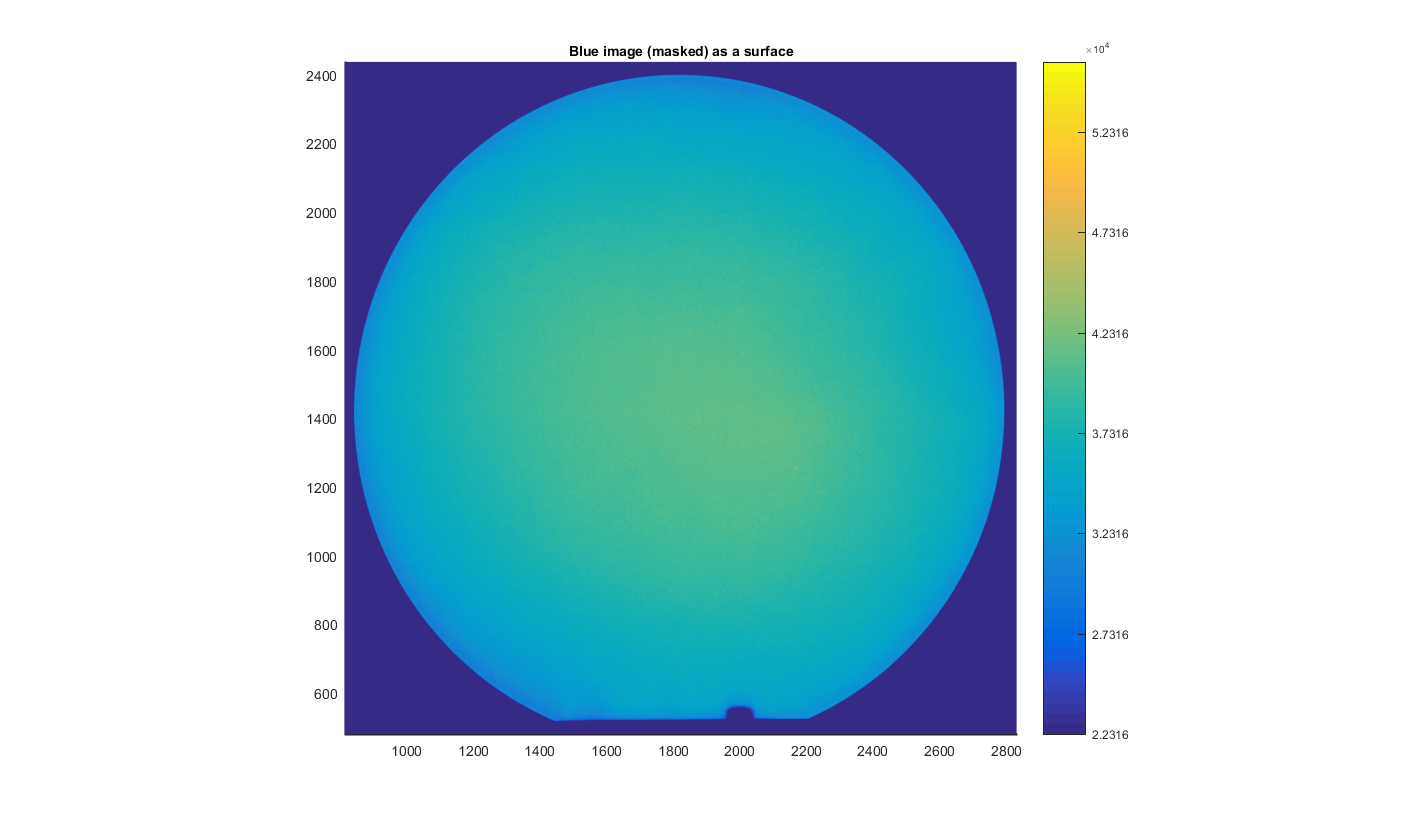
Figure 4
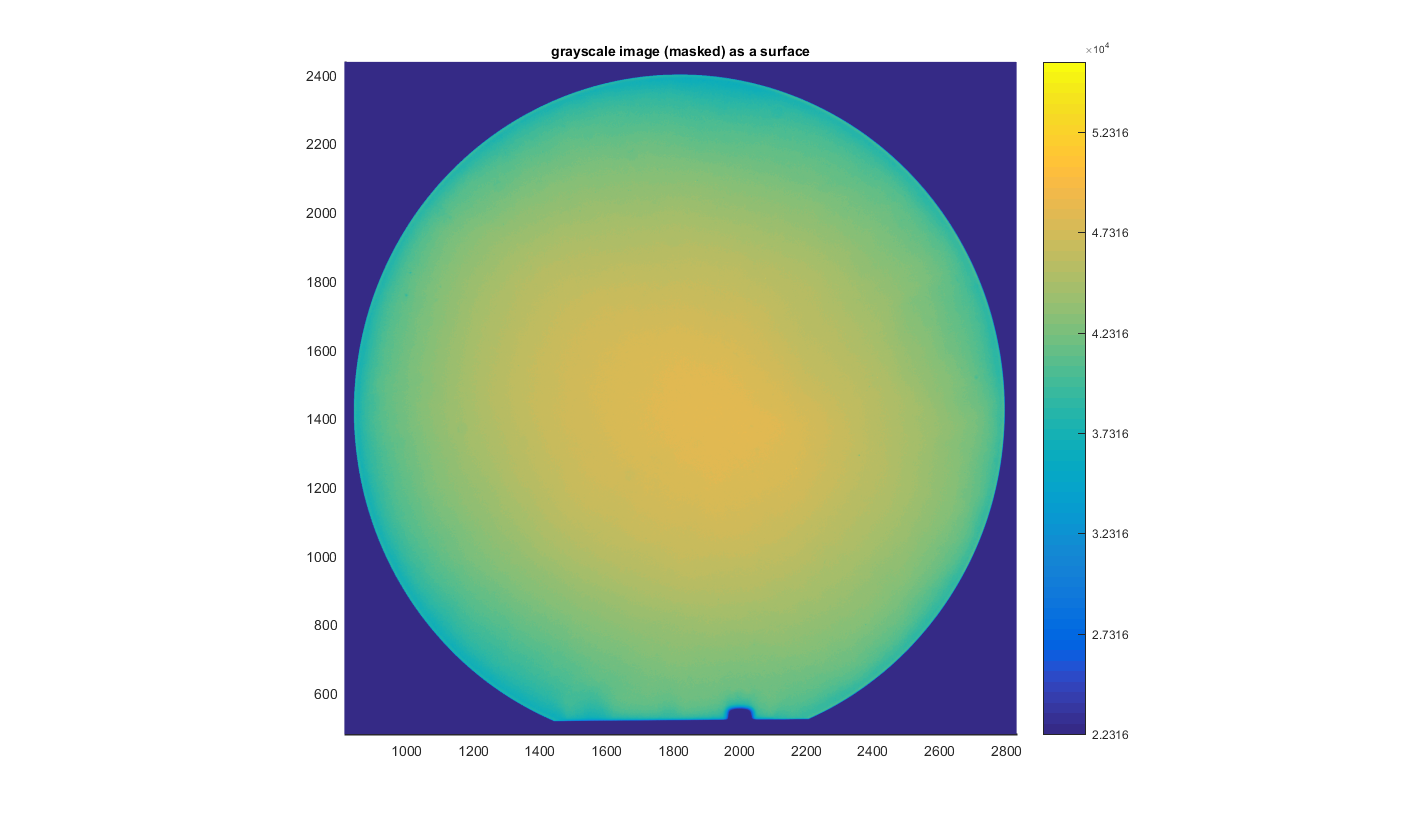
Figure 5
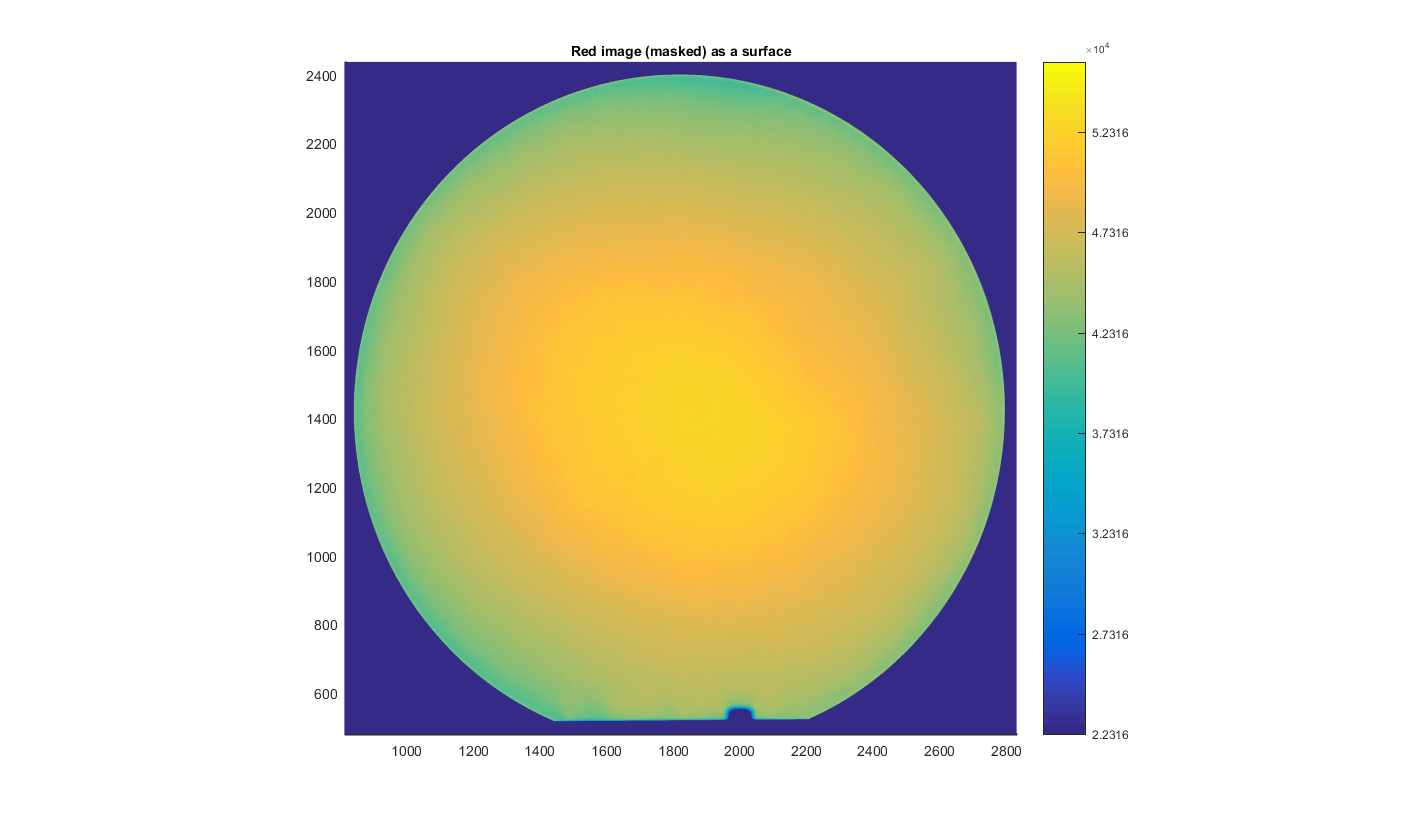
Figure 6
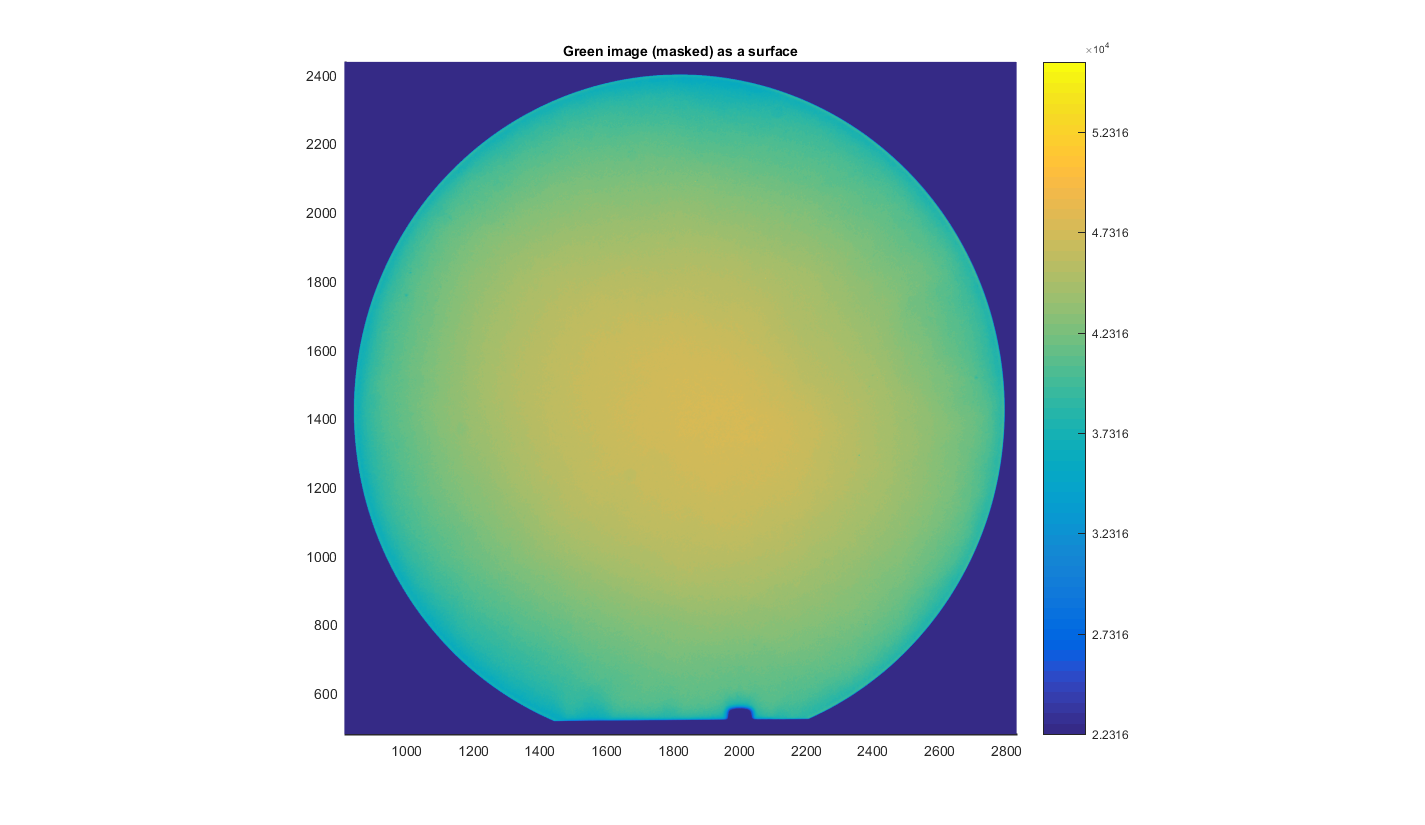
Figure 7